01
Understand OTT Navigator
Learn what the player does, what your IPTV source provides, and how playlists, EPG data, and streams fit together.
Independent OTT Navigator resource
Practical guides for OTT Navigator installation, setup, M3U and Xtream Codes, EPG, Android TV, Fire TV, playback, and troubleshooting. Start with the task you need to complete, then follow the deeper guide when necessary.
Quick start
Jump directly to the guide that matches the problem instead of searching through unrelated settings.
Visual guide
Use these visuals as a quick orientation before opening the detailed guides.
Player, source, playlist, EPG, and playback layers.
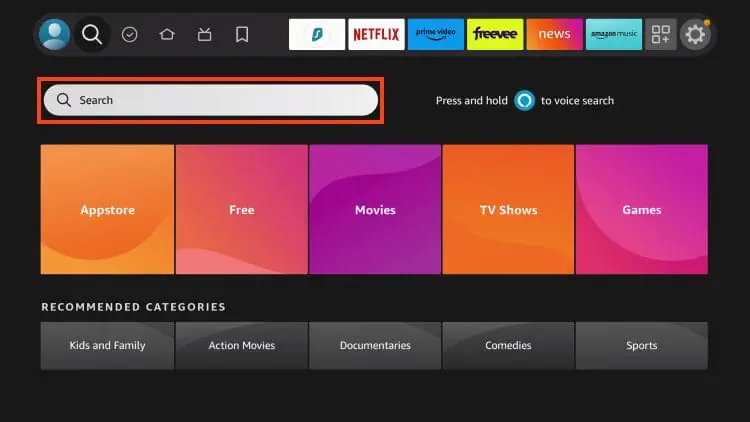
Start with the correct installation path.
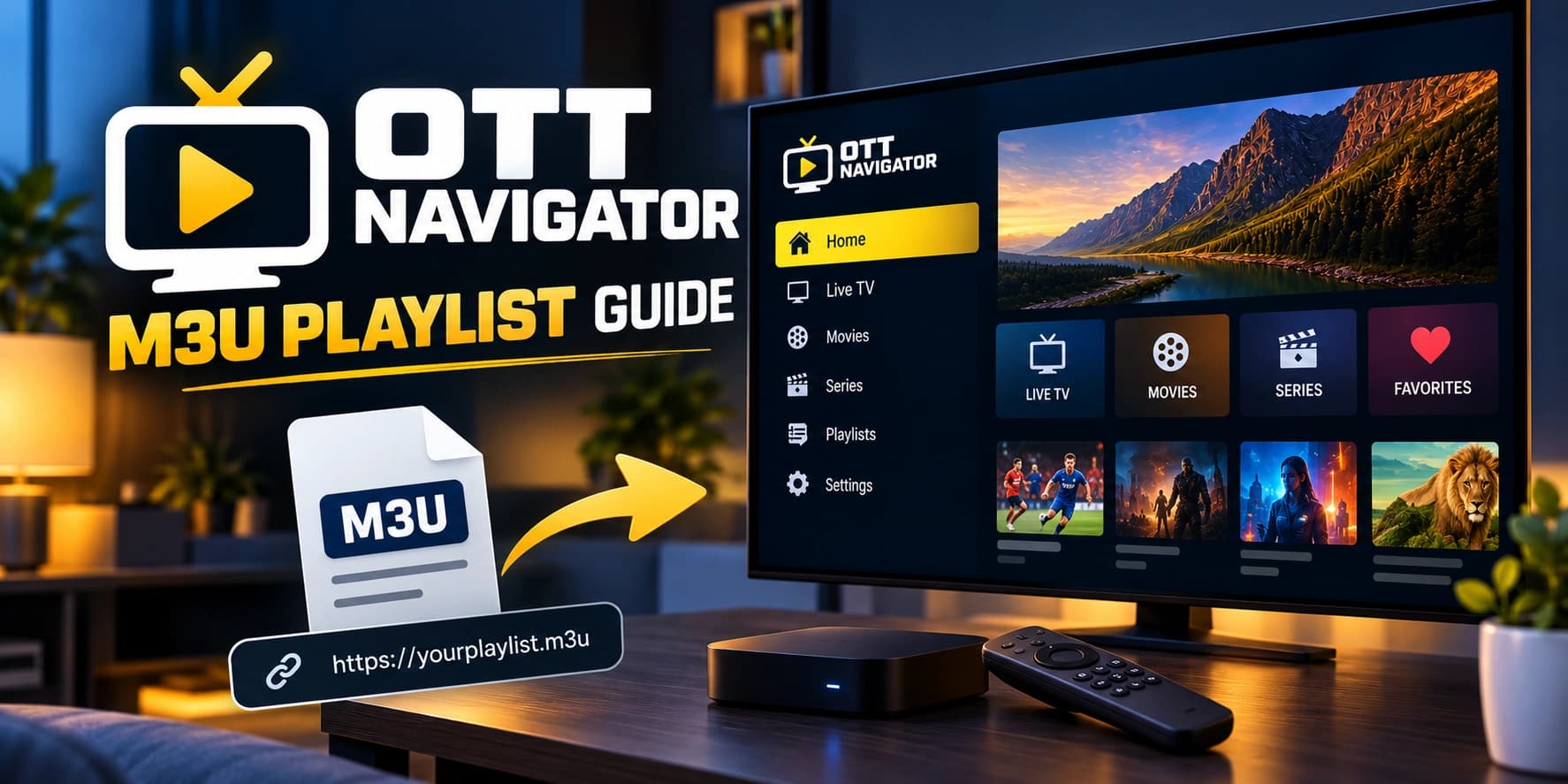
Connect your playlist to the player.
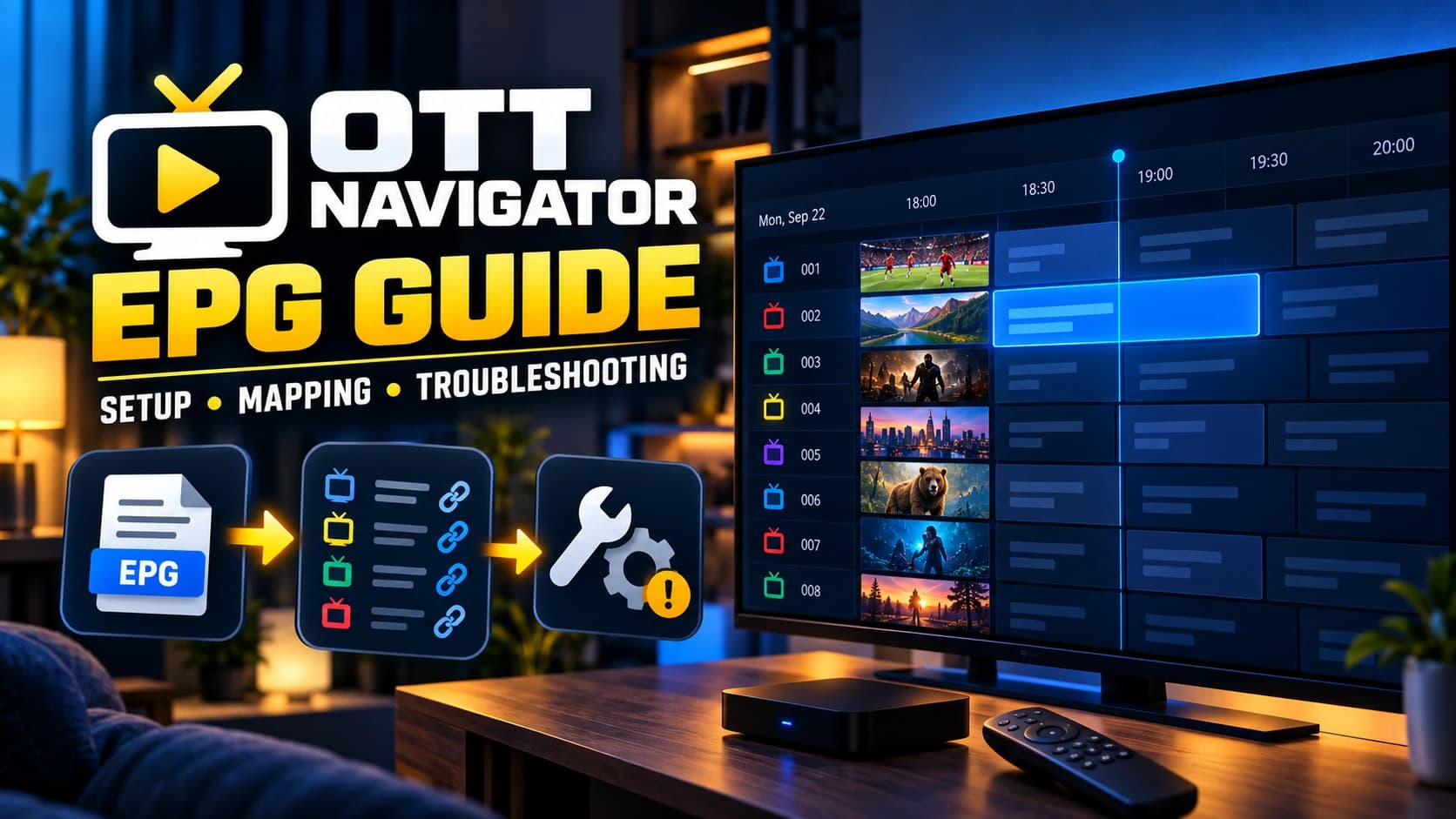
Sources, mapping, reloads, and timing.
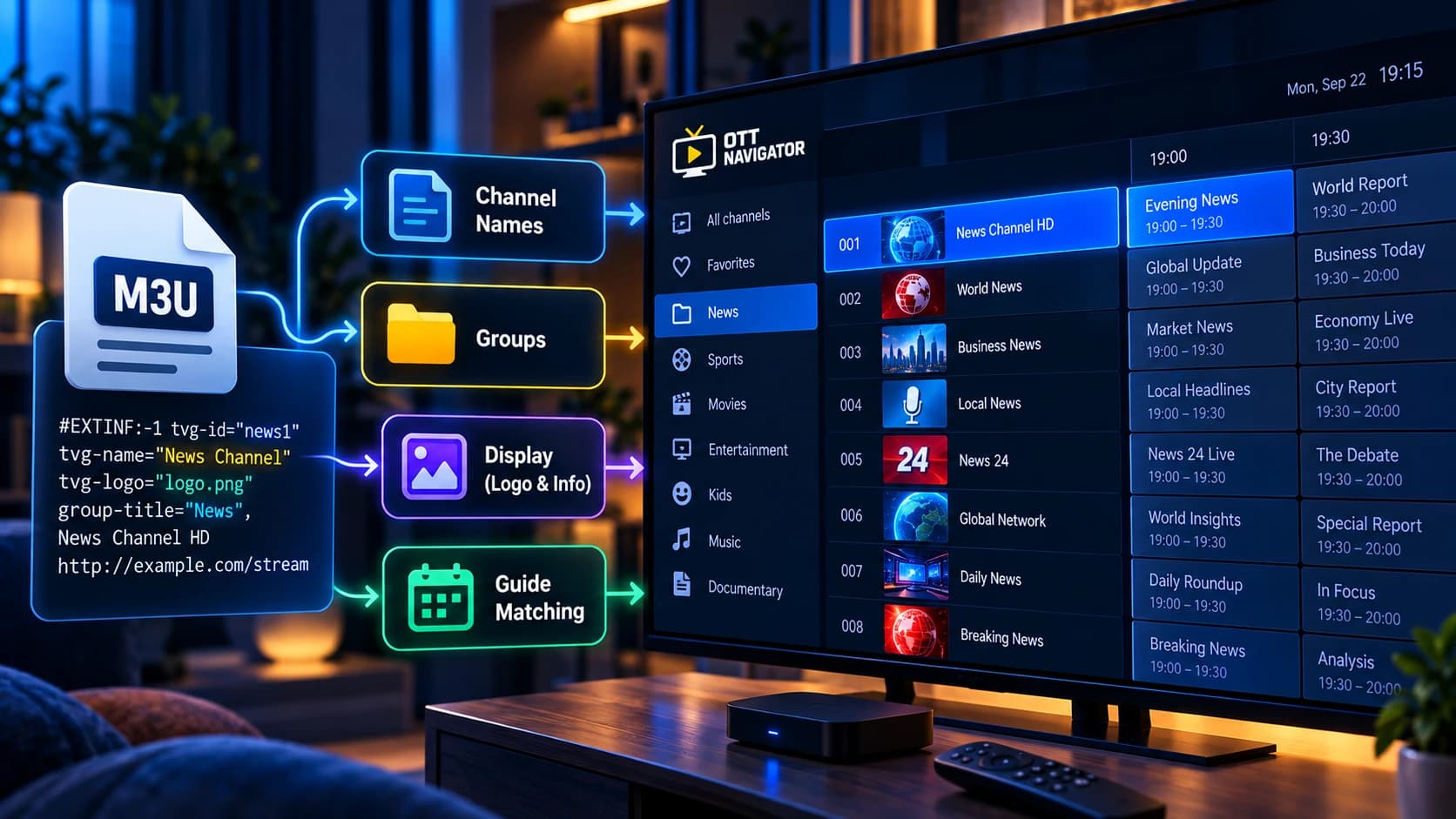
Names, groups, logos, and EPG identifiers.
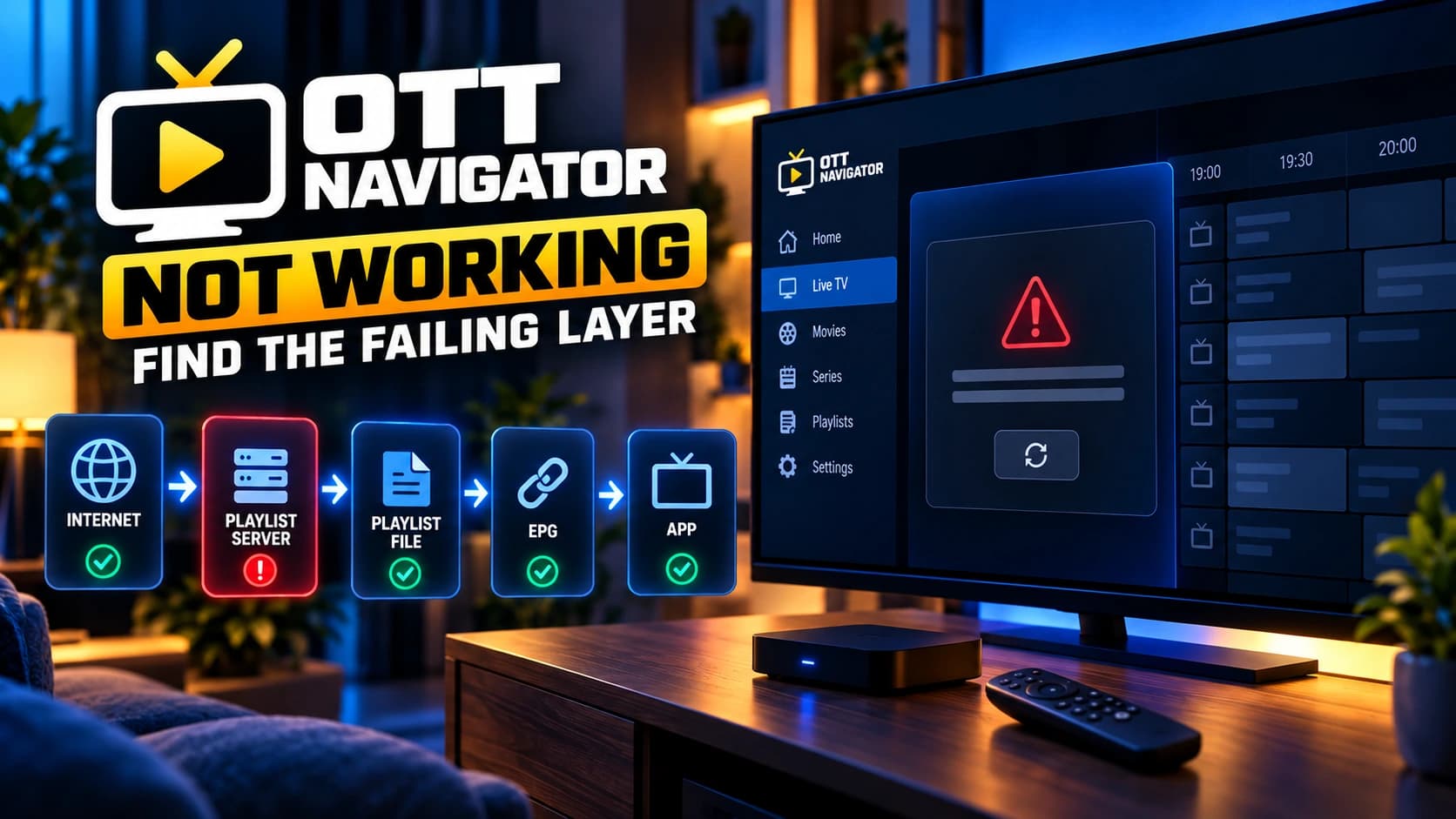
Find the failing app, source, EPG, network, or stream layer.
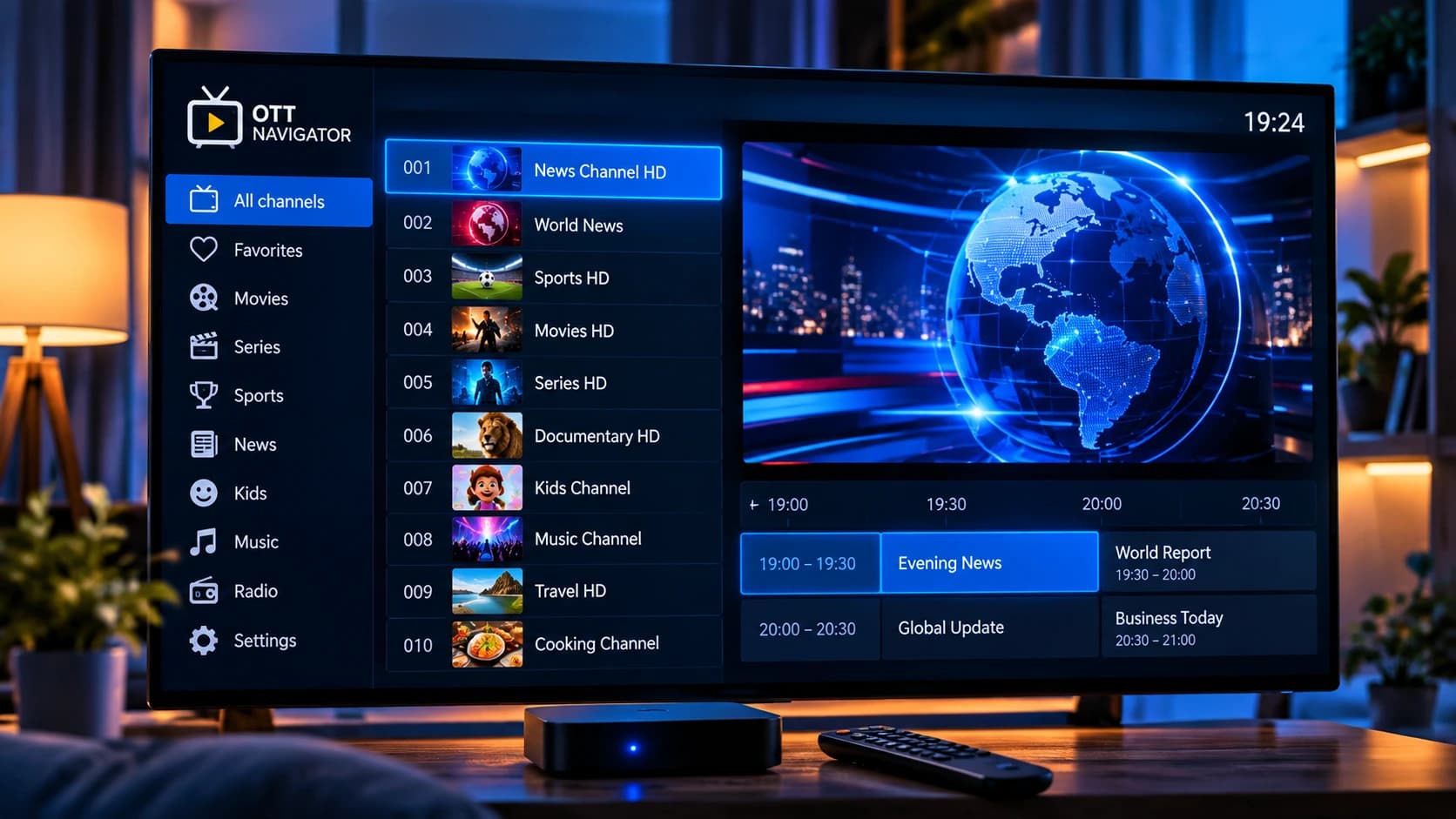
See how channels, groups, metadata, and streams relate.
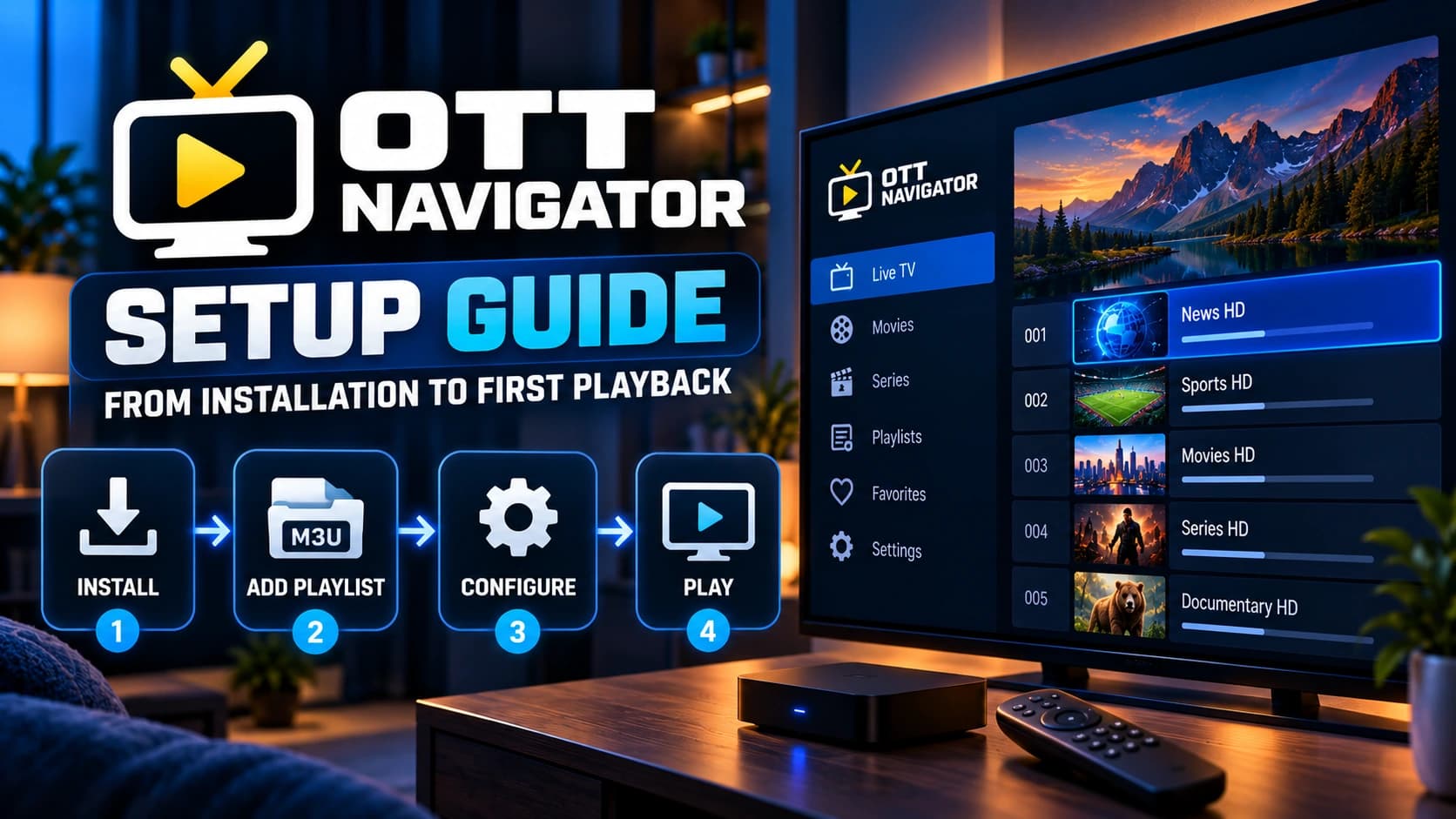
Source first, then playlist, EPG, and playback.
Guide map
Each guide answers a specific job. Open the short description first, then use the full article when you need detailed steps or diagnosis.
Learn what the player does, what your IPTV source provides, and how playlists, EPG data, and streams fit together.
Choose the correct path for an M3U URL, M3U file, Xtream Codes credentials, and a separate EPG source.
Understand EPG sources, channel matching, identifiers, timing problems, and the difference between source and mapping issues.
Start with the first layer that fails instead of changing random settings. Separate app, source, EPG, network, device, and stream issues.
Use the workflow for the device you actually have, including Android TV, Google TV, and Fire TV installation differences.
Understand the player, install it, add your IPTV source, and move through setup without guessing.
Learn how M3U playlists, Xtream Codes, EPG sources, and channel mapping fit together.
Follow device-specific setup guidance for Android TV, Google TV, and Fire TV instead of generic steps.
Find the first failing layer: app, source, EPG, network, device, or actual stream playback.
The core model
OTT Navigator is the player. Your source supplies the playlist or supported credentials. EPG supplies programme data. The source still has to deliver a playable stream. Keeping these layers separate makes setup and troubleshooting much easier.
Browse the complete OTT Navigator guide for installation, setup, M3U, EPG, Premium, devices, and troubleshooting.
Browse the complete guide →This is an independent informational resource about OTT Navigator. It is not presented as the official product website and does not provide IPTV subscriptions or claim an affiliation with the developer.