
Playlist Hub
OTT Navigator M3U Playlist Guide
Understand what an M3U playlist contains, how OTT Navigator uses M3U URLs and files, how playlist metadata connects to EPG data, and how to isolate playlist problems from playback problems.
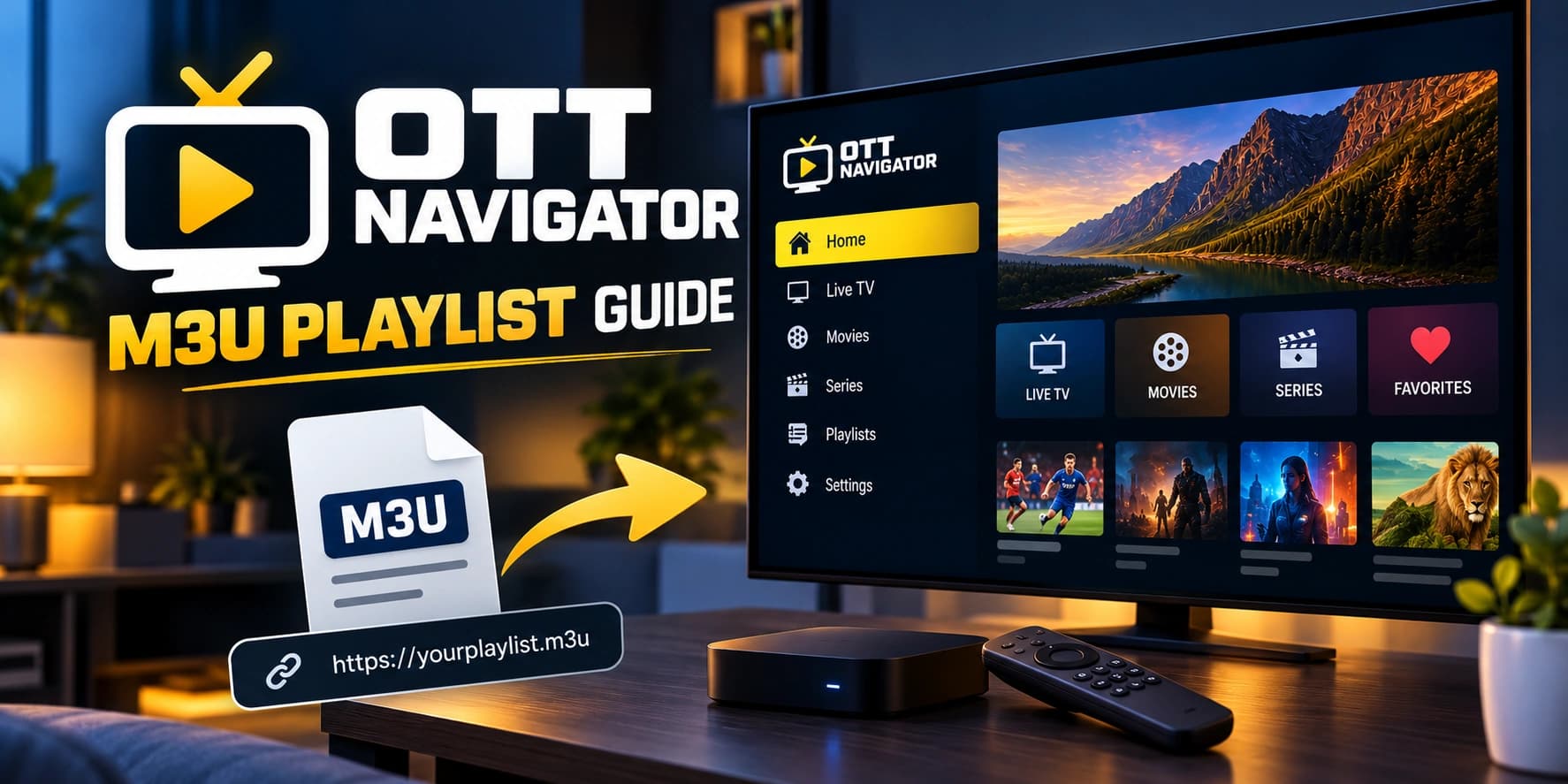
What an M3U playlist actually does
An M3U playlist is a text-based list of media entries. In IPTV use, an entry can contain a stream URL plus metadata such as a channel name, group/category, logo URL, and EPG identifier. OTT Navigator uses playlist data to build the channel library; the playlist itself is not the same thing as the media server that delivers each stream.
This distinction explains several common problems: a playlist can import successfully while an individual stream is unavailable, and channels can play while EPG metadata is missing or incorrectly mapped.
M3U URL vs M3U file
| Input | What OTT Navigator reads | Main failure point |
|---|---|---|
| M3U/M3U8 URL | Playlist data retrieved from a remote address. | URL validity, authentication, network access, or provider response. |
| M3U file | Playlist data stored locally on the device. | File location, permissions, Android storage behavior, or stale data. |
OTT Navigator's published FAQ recommends links over local files in many setups because Android file-access behavior can make local playlist management less convenient, especially on Android TV devices.
How to add an M3U playlist
- Get an M3U/M3U8 URL or file from a source you are authorized to use.
- Identify whether you received a complete playlist URL or a local file.
- Choose the corresponding playlist configuration method in OTT Navigator.
- For a URL, enter the complete address exactly as supplied.
- For a file, verify that the device can access the file.
- Wait for playlist processing to finish before changing playback settings.
- Test multiple channels from different categories.
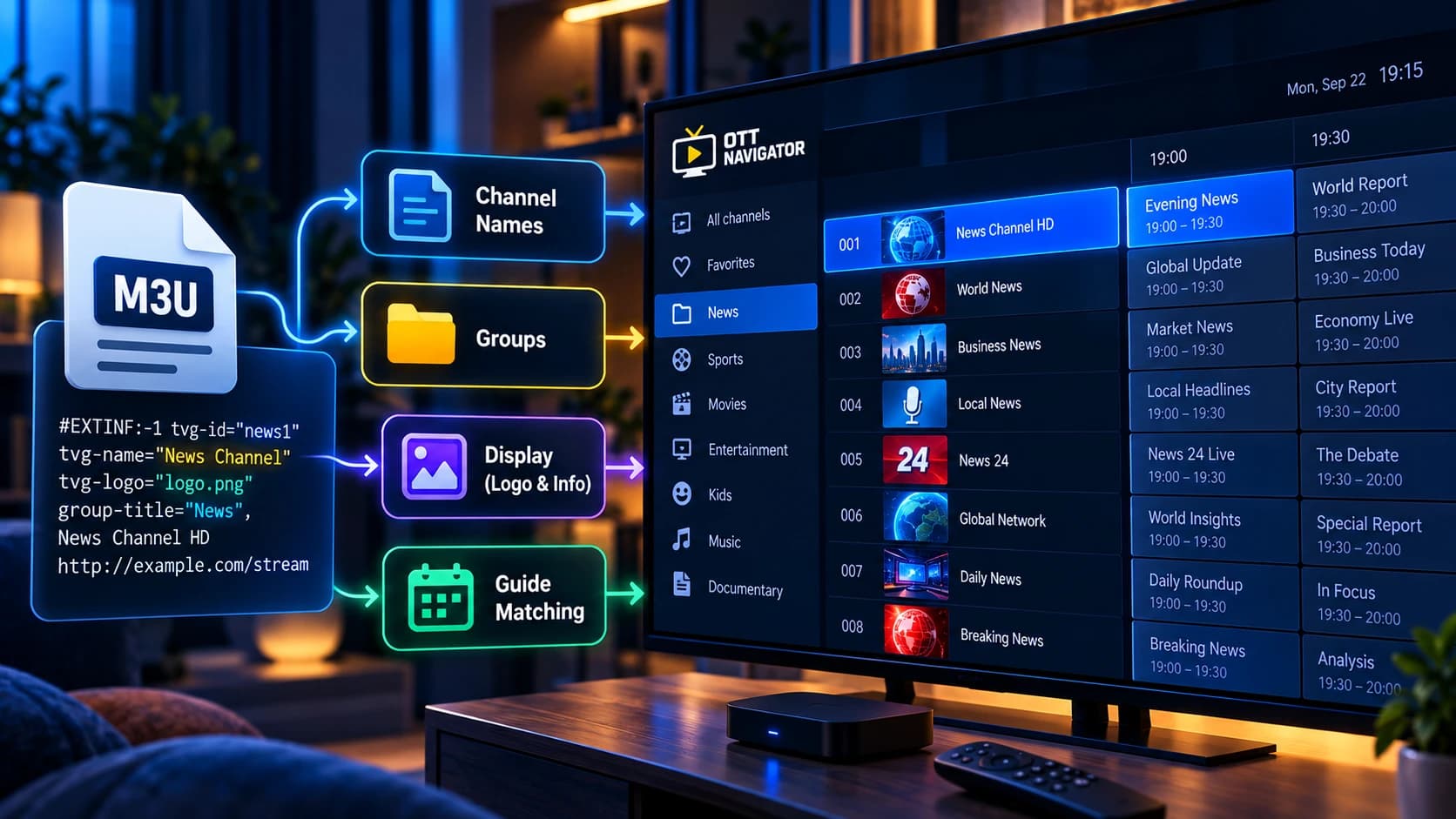
What the playlist metadata is used for
Playlist metadata can determine how channels are displayed and grouped. Common IPTV metadata includes channel names, group/category information, logo URLs, and identifiers used for EPG matching. A malformed or incomplete metadata field can therefore affect the interface without necessarily preventing the underlying stream from playing.
| Playlist data | Typical effect | If it is wrong |
|---|---|---|
| Channel name | Controls the displayed channel label. | Channel may be difficult to identify or match. |
| Group/category | Helps organize the channel library. | Channels may appear in an unexpected category. |
| Logo URL | Provides channel artwork when supported. | The logo may be missing while playback still works. |
| EPG identifier | Helps map a channel to programme data. | Video may work while the guide remains blank. |
M3U playlist vs Xtream Codes
These are related but different provider-input models. If you receive a complete M3U URL, use the playlist workflow. If you receive a server address, username, and password, check whether the provider intends you to use an Xtream Codes workflow instead.
A URL containing a get.php path with username, password, and M3U parameters can indicate an Xtream-style M3U template. Do not manually rewrite a provider URL simply to make it resemble another format.
M3U metadata: why channels can load but look wrong
An M3U can contain more than stream URLs. Channel names, groups, logos, identifiers, and other attributes can affect how a player organizes and matches entries. That means a playlist can be reachable while its presentation or EPG matching is still incorrect.
| Symptom | Likely layer to inspect | First test |
|---|---|---|
| Channels appear under unexpected groups | Playlist metadata | Inspect group/category attributes in the source. |
| Logos are missing | Playlist metadata or logo URL | Check whether the playlist actually supplies logo information. |
| EPG does not match channels | EPG source and channel identifiers | Compare playlist identifiers with the EPG mapping. |
| Entries exist but streams fail | Playback/provider/network | Test multiple streams before rewriting the playlist. |
Playlist loaded, but something is wrong?
| Symptom | First test | Investigate next |
|---|---|---|
| Playlist will not load | Verify the complete URL/file and source credentials. | Source, authentication, network, or playlist format. |
| Playlist loads but is empty | Refresh and inspect the returned library. | Provider response or playlist contents. |
| Channels appear but one stream fails | Test several unrelated channels. | Specific stream or provider-side availability. |
| Channels play but EPG is blank | Reload EPG and inspect source/mapping. | EPG source, identifiers, mapping, or timezone. |
| Local file cannot be opened | Check the file location and Android file access. | Device storage restrictions or file permissions. |
Do not use playlist changes to fix playback problems
If the playlist imports and several channels play, the basic playlist path is already functioning. Changing the M3U extension, repeatedly refreshing the playlist, or rebuilding the provider entry is unlikely to explain a single stream that buffers or fails.
Move to the playback troubleshooting layer when the evidence points to a stream, network, device, codec, or player issue.
Related OTT Navigator guides
Official sources
For current app capabilities, distribution details, and documented settings, verify details against the product's published resources.